Look, if you’ve ever used a laptop trackpad that felt like dragging a brick across sandpaper, you know why this matters. Your input device shouldn’t make you want to throw the machine out a window. The same goes for speakers – tinny, lifeless audio turns even premium hardware into a frustrating experience.
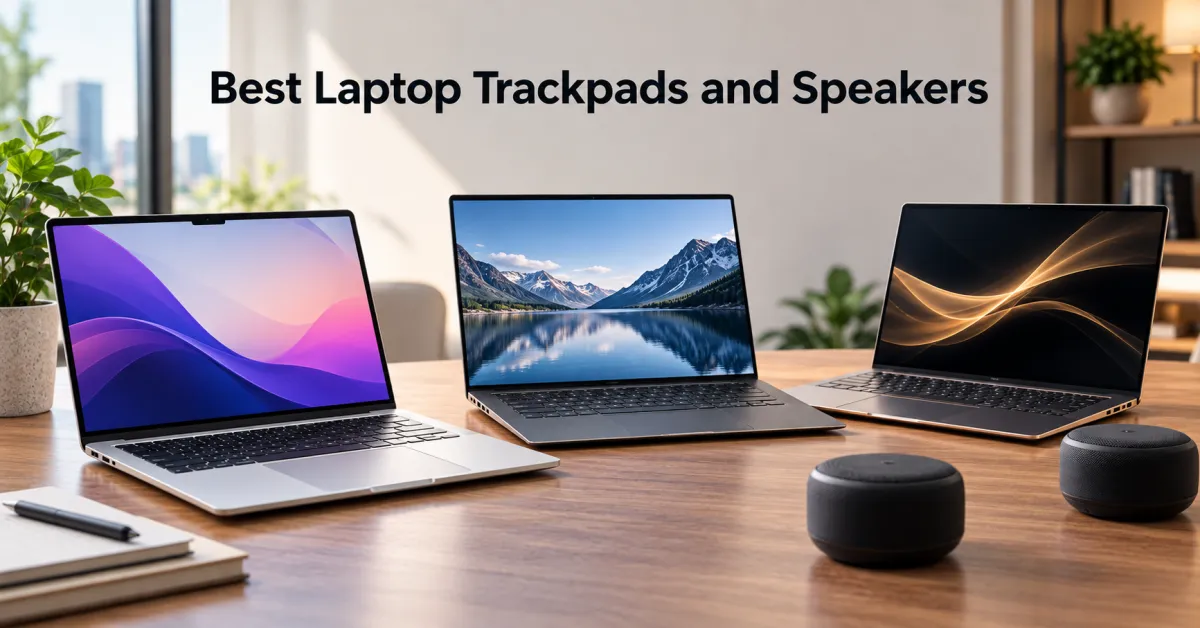
Here’s the truth: MacBook Air’s trackpad and speaker setup is genuinely hard to beat in the laptop market. The trackpad is responsive, precise, and actually intuitive. The speakers deliver surprising clarity for a thin device. But that doesn’t mean it’s the only game in town, and it definitely doesn’t mean every competitor is trash. We’re breaking down where MacBook Air actually excels, where it stumbles, and what other laptops are doing right.
Why Trackpads Matter More Than You Think
People obsess over processors and RAM, then spend eight hours a day fighting with a terrible trackpad. That’s backward. A good trackpad is the difference between fluid work and constant frustration. You’re touching it constantly – way more than you touch your keyboard on most days.
The best trackpads give you precision without requiring a death grip. They respond to light touches, handle multi-finger gestures smoothly, and don’t have that weird lag where your cursor jumps around. They’re also big enough that you’re not constantly re-positioning your hand like you’re performing surgery.
Trackpad quality = precision, responsiveness, size, gesture support, and consistency across different input speeds. Get this right, and the laptop becomes genuinely pleasant to use. Get it wrong, and no amount of processing power fixes the experience.
MacBook Air’s Trackpad – Why It Actually Wins
Apple’s Force Touch trackpad on the MacBook Air is legitimately exceptional. It’s massive – significantly larger than what you’ll find on most Windows laptops. The glass surface is smooth without being slippery, and the haptic feedback gives you actual tactile confirmation without requiring physical movement.
The precision is where it really shines. Whether you’re doing fine detail work in design software, selecting text accurately, or just navigating the OS, the trackpad responds exactly how you expect it to. Multi-touch gestures work seamlessly – three-finger swipe between apps, four-finger swipe for Mission Control, pinch to zoom. It’s not gimmicky. It actually accelerates your workflow once you learn the shortcuts.
The consistency matters too. You get the same responsive experience whether you’re doing light touches or pressing harder. There’s no dead zone or weird acceleration curve that makes you second-guess the hardware.
The Competition – Who’s Actually Close
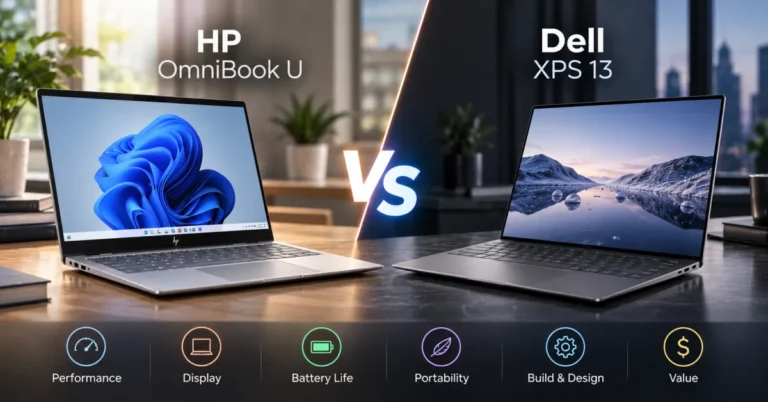
Dell XPS 13 and 15 have solid trackpads. They’re responsive and reasonably sized, but they don’t quite match MacBook Air’s precision. The surface can feel slightly plasticky compared to Apple’s glass, and the haptic feedback isn’t as refined. Still, if you’re in the Windows ecosystem, the XPS trackpad is genuinely usable.
Lenovo ThinkPad trackpads are functional but intentionally minimal. They’re designed for people who prefer external mice – which is fine if that’s your workflow. But if you’re relying on the trackpad, they feel dated compared to modern alternatives.
ASUS VivoBook trackpads are hit or miss. Some models have decent precision, but others feel loose and imprecise. You’re rolling the dice depending on the specific model year.
Microsoft Surface Laptop trackpads are actually pretty good – smooth, responsive, and well-sized. They’re closer to MacBook Air than most competitors, but still not quite at the same level of precision and haptic feedback.
Laptop Speakers – The Forgotten Feature
Most laptops have speakers that sound like they’re playing audio through a tin can. You get tinny mids, no bass, and zero spatial separation. They’re technically functional, but they’re not enjoyable. This matters if you’re watching videos, listening to music, or taking video calls regularly.
Good laptop speakers need stereo separation, clear midrange, and enough low-end to not sound completely hollow. They should get reasonably loud without distorting. And they should actually sound intentional, not like an afterthought crammed into a thin chassis.
Speaker quality depends on driver size, stereo configuration, audio tuning, and how much space the chassis allows for sound to actually resonate.
MacBook Air Speakers – Surprisingly Competent
The MacBook Air M2 and M3 models have stereo speakers that punch above their weight for a thin laptop. They deliver clear dialogue, decent stereo separation, and enough volume for a small room without pushing into distortion territory. The audio tuning is balanced – not overly bass-heavy or treble-forward.
For a device this thin, it’s genuinely impressive. You’re not getting studio monitors, but you’re getting something that actually sounds good for casual listening, video calls, and streaming content. The speakers don’t rattle or sound tinny, which immediately puts them ahead of most competitors.
The real advantage is consistency. Every MacBook Air sounds roughly the same because Apple controls the entire hardware and software stack. There’s no variance or mystery.
Windows Laptops With Decent Audio
Dell XPS 13 has dual speakers that sound surprisingly good. They’re tuned for clarity and actually deliver stereo separation. The bass isn’t deep, but the overall presentation is balanced and pleasant. If you’re comparing to MacBook Air, they’re genuinely competitive.
Lenovo ThinkPad X1 Carbon uses Dolby Atmos tuning on some models, which adds spatial processing. The speakers themselves are decent, though the audio quality varies depending on which generation you’re looking at. Newer models are better, but consistency isn’t guaranteed.
ASUS ZenBook has Harman Kardon audio on premium models, which actually sounds quite good. The drivers are larger than what you’d expect in a thin laptop, and the tuning is more aggressive than MacBook Air – more bass, more presence. Some people prefer it. Others find it too colored.
Microsoft Surface Laptop 5 and 6 have Dolby Atmos speakers that sound solid. They’re not as balanced as MacBook Air, but they’re louder and have more personality. If you want audio with presence, they deliver.
Trackpad vs. Speaker Trade-offs
Here’s where it gets interesting. MacBook Air excels at both, but if you had to pick one area where it really dominates, it’s the trackpad. The speaker quality is excellent, but other laptops can match it. The trackpad precision and responsiveness are genuinely harder to replicate.
If you spend most of your time with an external mouse and headphones, the trackpad advantage matters less. But if you’re relying on the built-in input and audio, MacBook Air’s combination is hard to beat.
Windows laptops often make different trade-offs. Some prioritize trackpad size and responsiveness. Others go all-in on speaker quality with larger drivers and more aggressive tuning. Rarely do you get both at MacBook Air’s level.
Real-World Performance Differences
In daily use, a better trackpad means fewer accidental clicks, faster text selection, and smoother navigation. You notice this immediately when switching between devices. A trackpad that requires constant re-positioning or has lag creates invisible friction that adds up over hours of work.
Better speakers mean video calls sound clearer, streaming content is actually enjoyable, and you don’t need to reach for headphones for basic tasks. It’s a quality-of-life improvement that compounds throughout your day.
The combination matters. MacBook Air gives you both advantages simultaneously. With many Windows laptops, you’re choosing between them.
FAQ
Can you replace a laptop trackpad if it fails?
On MacBook Air, yes, but it’s expensive and requires professional service. On most Windows laptops, trackpad replacement is possible but varies by model. Some are modular, others are soldered to the motherboard. Check your specific model before buying if this concerns you.
Are external trackpads worth using with laptops?
If your laptop’s trackpad is terrible, absolutely. A good external trackpad like Apple’s Magic Trackpad or Logitech MX Master makes work significantly more pleasant. But if your laptop already has a solid trackpad, the external device adds bulk and complexity for minimal benefit.
Do laptop speakers ever sound as good as external speakers?
No. Physics limits what you can fit in a thin chassis. Even the best laptop speakers can’t compete with a proper external speaker system. But some laptops get close enough that you don’t need external audio for casual use.
Should trackpad and speaker quality influence my laptop purchase?
Absolutely. These are daily-use features you interact with constantly. Don’t buy a laptop with a terrible trackpad just because the processor is fast. You’ll regret it every single day. Test both before committing to a purchase.
What’s the difference between trackpad haptics and physical buttons?
Haptic trackpads use vibration feedback to simulate a click without actual movement. Physical buttons require you to press down and move the pad. Haptic trackpads feel more responsive and allow for a larger surface area. Most modern laptops use haptic technology now.
One Last Thing
MacBook Air’s trackpad and speakers are genuinely excellent. But excellent isn’t always the right choice for you – Windows laptops offer different trade-offs, better customization, and lower prices. Test the hardware in person before buying. Your hands and ears will tell you what actually matters for your workflow.