
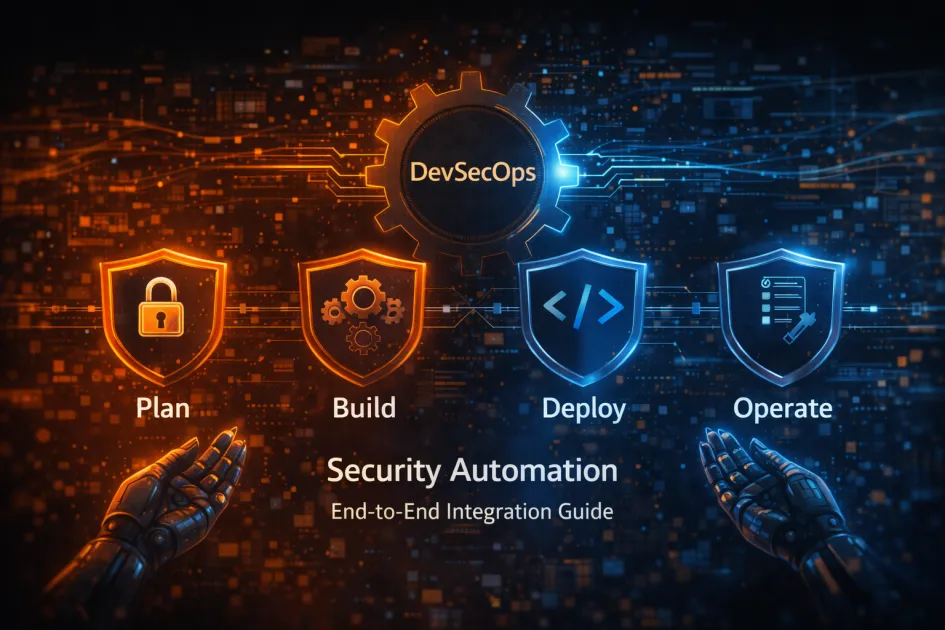
DevSecOps Automation – The Security Blanket You Actually Need
Let’s get one thing straight: if you’re still treating security as an afterthought – tossed at QA at the 11th hour – congratulations, you’re the reason ransomware gangs have jobs. integrating devsecops for end-to-end security automation means making security a first-class citizen from code to cloud, not a footnote in the release party slideshow. It’s about merging development, security, and operations into one stubborn, unbreakable pipeline so attackers have to work harder than you do.
What Is DevSecOps Integration Anyway?
DevSecOps is not another “silver bullet” for your security headaches. It is a practice that embeds security checks, policies, and monitoring into every phase of software delivery. Imagine developers, ops, and security folks all grumbling together – except this time, they’re automating the pain away.
DevSecOps refers to the integration of security practices into the DevOps process, automating everything from vulnerability scanning to compliance reporting, so shipping fast doesn’t mean shipping insecure junk.
Definition Box
- DevSecOps: The practice of automating security throughout the development and deployment lifecycle.
- Security Automation: Using tools and scripts to perform repetitive security tasks without manual effort.
How DevSecOps Automation Works – The Real Workflow
You want a secure pipeline that doesn’t slow engineers to a crawl? DevSecOps automation is the answer. Here’s what actually happens when you do it right:
- Code Commit – Developers push code, triggering automated static code analysis.
- Build Pipeline – Security scans (SAST, DAST), secret detection, and dependency checks run in CI/CD tools like Jenkins, GitLab, or GitHub Actions.
- Artifact Storage – Only clean, signed binaries get stored. Anything sketchy gets flagged or blocked.
- Containerization – Images scanned for vulnerabilities before going anywhere near production.
- Deployment – Policies and infrastructure-as-code checks enforce security in Kubernetes or serverless platforms.
- Monitoring – Runtime security tools (SIEM, IDS) sniff out suspicious activity post-deploy.
- Feedback Loop – Alerts and metrics feed back to devs, so mistakes get fixed before they go viral.
The whole point? Catch issues early, fix them faster, and automate the stuff humans are too lazy or forgetful to do consistently.
Common Tools That Aren’t Snake Oil
- Static code analyzers (SonarQube, Checkmarx)
- Dependency scanners (OWASP Dependency-Check, Snyk)
- Container security (Aqua Security, Trivy)
- Infrastructure-as-code scanning (Checkov, Terraform Sentinel)
- CI/CD integrations (GitLab CI, Jenkins plugins, GitHub Security)
Why DevSecOps Security Automation Actually Matters
Developers are allergic to anything that slows down releases. Security teams are allergic to breaches that make headlines. DevSecOps automation is the EpiPen for both. Here’s why it’s worth the trouble:
- Shift Left, Actually Save Time – Catching vulnerabilities in development is ten times cheaper than in production. And less embarrassing.
- Consistent Compliance – Automated checks make audits less of a nightmare. Think PCI, HIPAA, GDPR – done without as much pain.
- Continuous Visibility – Real-time dashboards keep everyone honest. No more “I thought someone else checked that.”
- Reduced Human Error – Let bots do the boring stuff. Humans are too busy breaking things in creative new ways.
- Speed with Safety – Deploy faster, worry less. Because “move fast and break things” is fun until you’re subpoenaed.
Comparing DevSecOps Automation To Old-School Security
| Traditional Security | DevSecOps Automation |
|---|---|
| Manual reviews, spotty at best | Automated scans on every commit |
| Security as a final gate | Security baked into every stage |
| Delayed bug discovery | Early detection and rapid fixes |
| Slow, painful compliance | Continuous, auditable compliance |
DevSecOps Integration – Mistakes to Dodge (Or Repeat If You Love Pain)
- Overcomplicating Automation – Don’t automate everything at once. Start small, scale up. Otherwise, you’ll drown in false positives.
- Ignoring Developer Experience – If your pipeline makes devs want to quit, congrats, they’ll just bypass it.
- Neglecting Training – Tools are dumb if nobody knows how to use them. Teach your team what the alerts actually mean.
- Skipping the Feedback Loop – Security isn’t set-and-forget. Keep tuning rules based on real threats, not fantasy breaches.
- Thinking Tools = Security – It’s a process, not a shopping spree. Tools help, but people and culture matter more.
Best Practices That Actually Work
- Make Security Default – Every new repo, every pipeline, every build – security checks on by default.
- Automate Gradually – Prioritize high-risk areas first. Expand coverage as confidence grows.
- Monitor and Measure – Track metrics: how many vulnerabilities caught, how fast fixed, how many alerts ignored (be honest).
- Bridge the Gaps – Get dev, ops, and security teams talking. Slack channels, not just incident calls.
- Stay Current – Update dependencies, review policies, and patch tools. Outdated software is hacker catnip.
FAQ | DevSecOps Security Automation, Answered Without the Nonsense
Is DevSecOps only for big tech companies?
No. If you write code and don’t want it stolen or trashed, you need it. Startups included.
What’s the hardest part of integrating DevSecOps?
Culture change is the worst. Tools are easy; convincing people to care is not.
Does this replace manual code review?
Nope. Automation finds the obvious stuff. Humans still need to catch subtle bugs and business logic fails.
How do I pick the right tools?
Start with what fits your tech stack. Open-source is fine if you have patience; paid tools save time if you have budget.
Will this slow down my CI/CD pipeline?
Not if you implement it sanely. Overkill rules and misconfigured scanners will tank speed. Tune as you go.
Real-World Example | DevSecOps Gets It Done
Let’s say your team is pushing a Python app using Docker and Kubernetes. With DevSecOps automation, every commit triggers linting and static analysis (think SonarQube), dependencies get checked with Snyk, and container images scanned by Trivy. Terraform configs are reviewed by Checkov. Secrets detection tools like GitGuardian block tokens from leaking. All those alerts feed back to your Slack, so you fix stuff before it’s too late. That’s not theory – teams do this daily.
Speaking of data and automation, if you’re wrangling datasets, check out this guide on data wrangling for data science. Security and data go hand-in-hand, after all.
Final Word | Don’t Wait for a Breach to Care
You can keep hoping attackers will skip your repo, or you can automate your way to peace of mind. Integrating DevSecOps for end-to-end security automation is not a trend – it’s table stakes.



