
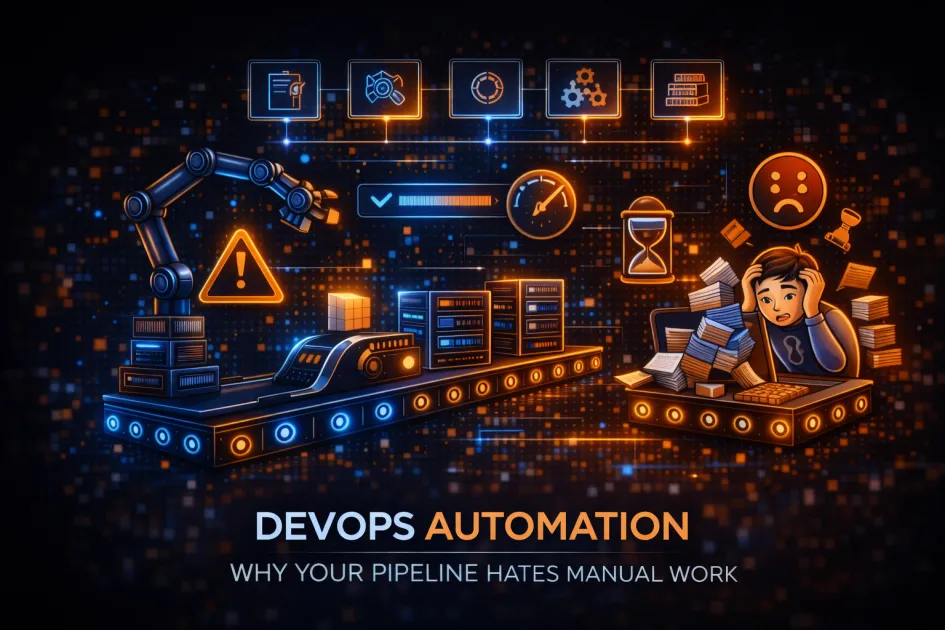
Automation in DevOps – The One Thing Everyone Gets Wrong
If you’re still babysitting your deployments like it’s 2012, congratulations – you’re the bottleneck. Automation in modern DevOps refers to using tools, scripts, and intelligent workflows to replace repetitive tasks across the software delivery process, slashing errors and speedbumps from code to production. This isn’t about robots stealing jobs. It’s about not losing your mind (or your weekend) to tedious chores that a shell script could do better.
What DevOps Automation Actually Means (No, It’s Not Magic)
Let’s rip off the band-aid: DevOps automation is the systematic use of software tools, pipelines, and orchestrators – think Jenkins, GitLab CI/CD, Ansible, Terraform – to automate everything from code integration to infrastructure provisioning.
- Continuous Integration (CI): Every time you push code, automation kicks in – tests, builds, the works.
- Continuous Delivery (CD): Your working code zips to production, with barely a human in sight.
- Infrastructure as Code (IaC): No more “it works on my machine.” With Terraform or AWS CloudFormation, your servers are spun up from scripts, not wishful thinking.
- Monitoring and Feedback: Tools like Prometheus or Datadog watch everything, so you don’t have to guess what broke at 2 AM.
It’s not about replacing talent – it’s about letting actual talent do something more meaningful than clicking through a GUI all day.
Definition Box | What Is DevOps Automation?
DevOps automation is the practice of using scripts, tools, and workflows to automatically perform tasks in software development and IT operations, including testing, deployment, monitoring, and infrastructure management.
Why You Need Automation in DevOps (Besides Saving Your Sanity)
If you enjoy fixing typos in production at midnight, automation probably isn’t for you. For the rest of us, here’s why it matters:
- Speed: Manual handoffs are glacial. Automated pipelines go from commit to deploy in minutes.
- Consistency: Humans are great at creativity, terrible at repetition. Automation doesn’t forget steps or get bored.
- Reliability: Automated testing and monitoring mean fewer surprises, less firefighting.
- Scalability: Your team can deploy to hundreds of environments without hiring an army.
- Security: Automated compliance checks and vulnerability scans catch issues before they get embarrassing (or expensive).
Honestly, the biggest risk is not automating. Manual processes break, and when they do, it’s always at the worst possible time.
How DevOps Automation Really Works (No Fairy Dust Required)
Here’s the not-so-secret recipe for making automation your friend:
- Pick Your Tools: Jenkins, GitHub Actions, Azure DevOps, CircleCI, or whatever fits your stack and brainpower.
- Script Everything: From building containers with Docker to spinning up VMs with Ansible or Terraform – if you can automate it, you should.
- Plug in Testing: Unit tests, integration tests, code analysis – let your pipeline call the shots, not your calendar.
- Automate Deployment: Roll out to Kubernetes, AWS, or your favorite cloud with zero drama. Canary releases, blue-green deployments, and rollbacks – all hands-off.
- Monitor and Alert: Let Prometheus, Grafana, or Datadog spot issues, trigger rollbacks, and ping you only when it matters.
The point is to build a feedback loop that’s as tight and boring as possible. If your deployment feels exciting, something’s probably wrong.
Common Pitfalls – And How Not to Look Silly
- Automating Bad Processes: If your process is broken, automating it just breaks things faster. Clean it up first.
- Ignoring Security: Automation without security checks is like locking the door and leaving the window open. Build in vulnerability scanning, secrets management, and compliance auditing.
- Overcomplicating Pipelines: More steps don’t mean more value. Keep it simple. If nobody understands your pipeline, nobody will fix it when it breaks.
- One-Size-Fits-All Tools: That tool your buddy loves may not work for your stack. Experiment, but be ruthless about what you keep.
Real-World Tools and Examples (No Hype, Just Usefulness)
| Task | Popular Tools | Why They Don’t Suck |
|---|---|---|
| CI/CD Pipelines | Jenkins, GitLab CI, GitHub Actions | Automate builds, tests, and deployments with a click (or no click at all) |
| Infrastructure as Code | Terraform, AWS CloudFormation, Ansible | Provision and update infrastructure from scripts, not sticky notes |
| Monitoring | Prometheus, Datadog, Grafana | Real-time alerts and dashboards – know before your boss does |
| Security & Compliance | Aqua, Snyk, HashiCorp Vault | Automate vulnerability scans, secrets rotation, and policy enforcement |
FAQ | DevOps Automation For People Who Don’t Want to Google
What tasks should I automate first in DevOps?
Start with repetitive, error-prone stuff: builds, tests, deployments, and infrastructure provisioning. If you’re doing it daily, automate it.
Is DevOps automation only for big companies?
No. Small teams need it even more. It keeps you lean, fast, and less likely to get paged at 3 AM.
How does automation impact security?
Done right, it improves security – automated scanning, compliance checks, secrets management. Done wrong, it just spreads bad practices faster.
What are the top tools for DevOps automation?
Jenkins, GitHub Actions, GitLab CI for pipelines; Ansible and Terraform for infrastructure; Prometheus and Datadog for monitoring. Pick what fits your tech stack.
Can automation help with cloud and container management?
Absolutely. Tools like Kubernetes, Docker Compose, and Terraform make cloud and container orchestration far less painful.
Final Thoughts | Don’t Be the Last Dinosaur With Manual Builds
If you’re not automating, you’re not doing DevOps – you’re just doing ops with extra steps. The future? It’s cloud-native, AI-enhanced, and as hands-off as possible.



